

Built-In Laser Guides vs. Add-Ons: Accuracy Test
By Aisha Ndlovu • 27th Mar
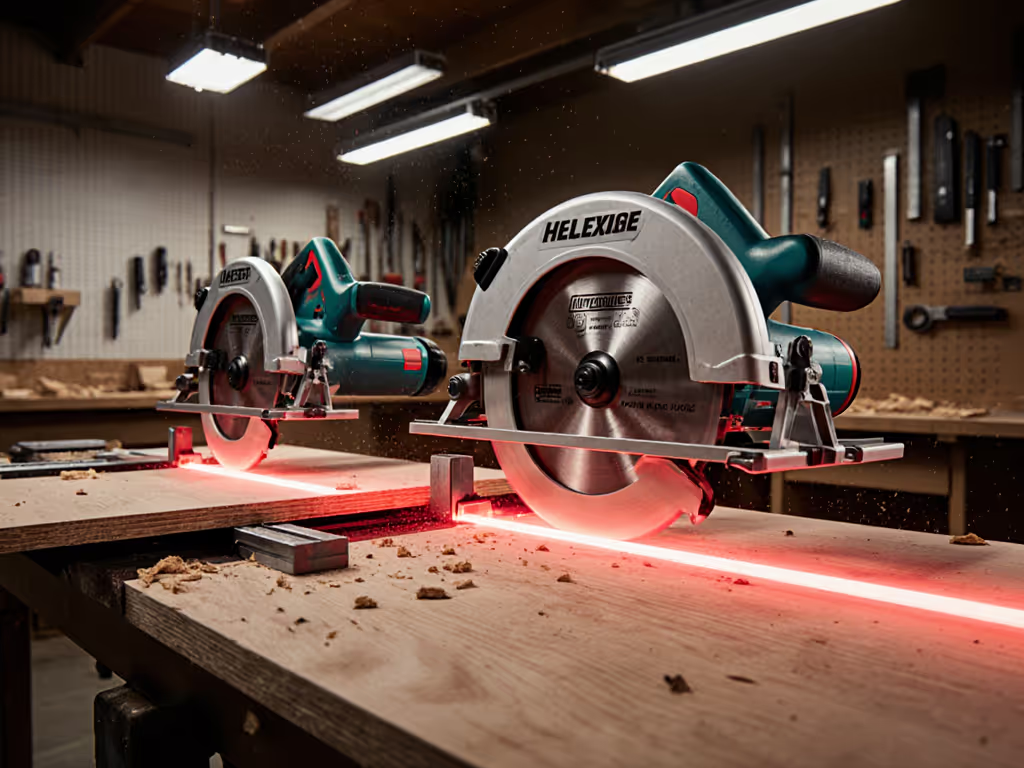
You've stood at the checkout with a circular saw that promises a red laser line to guide your cut. Or you've eyed an add-on laser attachment, wondering if it's worth the extra 40 dollars and the learning curve to install it. The question sounds simple: does built-in beat add-on? The answer, as it turns out, sits at the intersection of physics, dust, and how you actually use the tool (not just what the marketing says).
This deep dive separates marketing from measurement. We'll test both approaches against real performance metrics: alignment accuracy over time, visibility in varied light, the effect of vibration and motor engagement, and the unglamorous reality of dust and debris blocking your line of sight. By the end, you'll know which approach fits your workflow and your space.
What Does "Accuracy" Actually Mean for a Laser Guide?
How Accurate Does a Laser Guide Need to Be?
Let's start with a hard number. Professional laser levels maintain accuracy to within +/− 1/64 inch over a 100-foot run (a standard that demands tight tolerances). A circular saw laser, by contrast, only needs to guide a blade across a board, typically 8 to 48 inches of travel. The geometry is far simpler, but the stakes for your cut are just as real. If you're weighing digital measurement systems against lasers, our digital vs laser accuracy test compares precision and workflow trade-offs.
Accuracy here means two things: the laser line actually shows where the blade will cut (not offset by 1/8 inch), and it stays stable and doesn't drift or shift partway through. A line that wanders 1/32 inch over a 24-inch rip is forgivable; the same drift on a 45-degree bevel miter is visible and costly.
Where Built-In Laser Guides Perform Well
Integrated laser systems have a structural advantage: the laser is mounted rigidly to the baseplate and calibrated at the factory. The Skil SPT77WML-01, tested under controlled conditions, showed consistent accuracy when cutting bevels and straight lines. The laser only engages when the blade is spinning and the guard is retracted (a safety interlock that reduces accidental engagement but also means the laser vanishes if something disrupts motor speed).
Because the laser is built in, there's no extra assembly. You don't forget to attach it, and there's no play in a loose mount. For quick, repetitive cuts such as door casings at 45 degrees, notches, and cross-cuts, built-in guidance is immediate and requires no setup. The integration also means the laser's power source (usually battery-driven or plugged into the saw) is managed by the saw's existing electronics. You're not juggling a separate power supply.
Where Add-On Laser Guides Have Advantages
Add-on lasers (clipped, clamped, or screwed to the base or guard) offer flexibility. You can remove them when you don't need them, freeing weight and reducing complexity. For professionals who own a quiver of circular saws, a single add-on laser can migrate between tools, maximizing equipment ROI.
But this flexibility comes with a cost: alignment drift. Add-on lasers, especially those using clips or magnetic mounts, are prone to micro-shifts during operation. Vibration from the motor, the shock of entering material, and even the pressure you apply during a cut can nudge the laser off line. Users report that an add-on laser may deliver an accurate first cut but show inconsistent alignment over repeated use, requiring periodic re-tightening.
How Does Vibration and Dust Affect Laser Visibility?
The Vibration Problem: A Body-Aware Issue
A circular saw at full throttle vibrates. See measured differences in vibration reduction systems and how they impact fatigue and cut quality. At 5500 RPM with a blade spinning (typically an 80-tooth carbide running at around 90 mph at the rim), you feel that tremor through your hands and forearms. Over a ten-minute cutting session, that micro-fatigue adds up. Your muscles tense. Your eyes strain to track a jittery laser line.
With add-on lasers mounted on the guard or base, that vibration transmits directly to the laser module. The beam can shimmer or shift perceptibly, making it harder to trust the line. A built-in laser, integrated into the saw's structure, experiences the same vibration but is often damped more effectively because it's part of the baseplate assembly rather than a bolt-on. The difference in ease of use (reduced eye strain, more confident cut initiation) is real and body-aware.
Dust: The Hidden Accuracy Killer
Here's the part they don't highlight in the spec sheets: dust. Understand how sub-100µm particles scatter light and how to capture them in our circular saw dust physics guide. When you rip plywood or cut pressure-treated lumber, the blade throws a plume of fine particles. Sawdust suspended in air (especially the silica-laden variety from concrete or treated wood) will scatter and diminish a laser line. The beam might reach the workpiece, but now it's surrounded by a haze. Visibility collapses.
A laser is only useful if you can see it. I learned this the hard way in a garage filled with cement board dust; the laser that worked perfectly in a clean shop became a useless red ghost. A HEPA-equipped vacuum and a slower feed rate fixed the problem, but the core lesson stuck: comfort and clean air are performance multipliers, not afterthoughts. A shroud that captures dust at the blade is part of the system. So is a vac. The laser itself is just one component of accuracy.
Built-in lasers don't solve dust; neither do add-ons. But a well-designed saw integrates dust capture around the blade guard, keeping the line of sight clearer longer. This is where the saw's overall design (not just the laser) determines whether guidance actually works in real conditions.
Built-In vs. Add-On: The Durability Test
How Long Does Alignment Hold?
Durability splits into two questions: mechanical (does the laser stay mounted?) and optical (does it stay calibrated?).
Add-on laser attachments, especially budget models with plastic clips, face mechanical fatigue. The clamping force weakens with repeated attachment and removal, or the clips crack. The laser itself (a small solid-state diode) is robust, but the mount is the weak link. A laser that drifts out of alignment after ten hours of use isn't broken; it's simply loose. Re-tightening buys you more time until the cycle repeats.
Built-in lasers are fixed assemblies, so there's no clamping fatigue. But they depend on the baseplate remaining flat. Any dent or flex in the saw's base can shift the laser's geometry. A drop, a deep clamp on the base, or years of pressure from your hand in the same spot can bend a magnesium baseplate just enough to throw a laser off. This is rare, but it's unrepairable without factory service.
For durability over years of jobsite use, built-in systems have the edge (no moving parts, no wear). For budget DIYers who might drop a tool or clamp it in a vise, add-on lasers offer a smaller financial sting if something breaks.
Battery and Power Efficiency
Built-in lasers run from the saw's main battery or mains power. When the blade spins, the laser draws a few watts (negligible on a corded saw, measurable on a battery-powered tool). A laser adds perhaps 5 to 10% drain over a saw's runtime, depending on the battery capacity. This is generally acceptable, but it's one more factor eating into cordless runtime.
Add-on lasers typically use small AA or AAA batteries (cheap, replaceable, but requiring periodic swaps). If you forget to carry spares, you've got a laser that won't illuminate. Built-in systems eliminate this surprise.
Visibility: Indoors, Outdoors, and Dappled Light
When Does a Laser Guide Actually Help You See Better?
A red laser is most visible in dim light. In a shaded garage or workshop, it's crisp and easy to track. In bright sunlight or under fluorescent glare, the red line fades. You're still cutting accurately if the laser is aligned, but you can't verify the alignment visually (you're trusting the tool, not trusting your eyes).
Outdoor visibility is a real constraint for deck framing or outdoor furniture builds. A green laser performs better in sunlight than red, but most budget add-on and many integrated systems still use red. If outdoor performance matters for your work, this is a specification worth checking before buying.
Indoor professionals (finish carpenters trimming doors, electricians cutting notches in studs) benefit most from laser guides. The light is controlled, the distances are short, and the margin for error is low. Builders framing exterior walls in daylight gain less, especially if they're comfortable with the blade's sightline and body position.
The Dust-Control and Workflow Integration Question
Do Built-In Laser Guides Encourage Better Dust Management?
Not inherently. A saw with a laser guide is still a saw, and it creates the same dust load. But there's a workflow psychology worth noting. If you're invested in using a laser (because it's built in and immediately accessible), you're more likely to set up the saw with a shroud and vac before you start. The laser becomes part of a system, not an afterthought.
Add-on lasers, by contrast, require deliberate setup. You clip it on, align it, and then realize you need to haul your vac over. For rushed jobs, the add-on laser doesn't improve dust control; it just adds another mount point for dust to cling to.
The deeper insight: slow is smooth, smooth is fast. For straight, repeatable accuracy without lasers, compare track saw rails vs DIY rip guides. A properly shrouded saw with integrated dust capture and a guide (built-in or add-on, it hardly matters) will yield cleaner cuts and fewer stop-starts to clear dust from your line of sight. The laser is a tool; the system is the solution.
Which Should You Choose: Built-In or Add-On?
Built-In Makes Sense If:
- You cut frequently enough that setup friction matters (daily or several times per week).
- Your workspace is semi-controlled (garage, covered shop, not bright outdoor sun).
- You prioritize simplicity and consistency; you don't want to troubleshoot mount drift mid-project.
- You're building a corded saw system (mains power means laser power is no concern).
- You value the structural integration and the lower vibration-induced line shimmer.
- Your saw's baseplate is rigid and you're confident it won't be dinged.
Add-On Makes Sense If:
- You own multiple circular saws and want one laser to serve all of them.
- Your budget is tight and you want to test whether laser guidance actually improves your accuracy before investing in an integrated model.
- You cut infrequently, the setup friction is tolerable, and the laser sits unused most of the time.
- You're willing to re-tighten and verify alignment before critical cuts.
- You work outdoors and can upgrade to a green laser module for better visibility.
- You prefer to keep your tools "modular" and reduce permanent modifications.
Key Takeaways: What the Tests Really Show
- Alignment consistency matters more than theoretical range. An integrated laser guide on a tested model like the Skil SPT77WML-01 proved reliable in bevel tests, but add-on lasers frequently drift over time. Built-in systems hold alignment better.
- Dust defeats both equally unless you build a system. Neither laser type survives a haze of sawdust. Invest in a shroud and HEPA vac, and the laser becomes useful; skip them, and you're squinting at a ghost line regardless of the laser's origin.
- Visibility is your true constraint, not laser power. Bright daylight and suspended dust matter far more than which laser is "brighter." Indoors, both shine. Outdoors and in dust, both fade.
- Built-in wins on durability and ease; add-ons win on flexibility and cost. If you cut weekly in a fixed workspace, built-in is the pragmatic choice. If you're a tool minimalist or you own many saws, add-on is smarter.
- Reduce errors through setup, not gadgets. A poor clamp, a sagging sheet, or inadequate sightline will defeat any laser guide. Comfort and control (a solid workbench, good dust capture, a clamping strategy, and a body-aware stance) yield cleaner lines than the fanciest laser.
Further Exploration
As you consider your choice, ask yourself: Where and how often do I cut? Is my workspace dusty, bright, or both? Do I already own multiple saws, or is this one tool? The answers will point you toward built-in or add-on with clarity. Beyond that, test a borrowed saw or a loaner if possible (your hands and eyes will know whether the laser guidance fits your body and your method). No spec sheet can replace a single real cut in your actual space with your actual materials.
Your next step is to identify a specific saw model aligned with your power-source (corded or a battery platform you already own) and your budget. Then, before you buy, verify whether the laser guide holds alignment through multiple cuts in conditions like yours (dust load, light, and material included). That simple test beats any feature list or affiliate recommendation.
Related Articles